Streaming Tips for Record on Bike
Play the in-experience streamer fantasy — camera, followers, clip timing, and clean server manners.
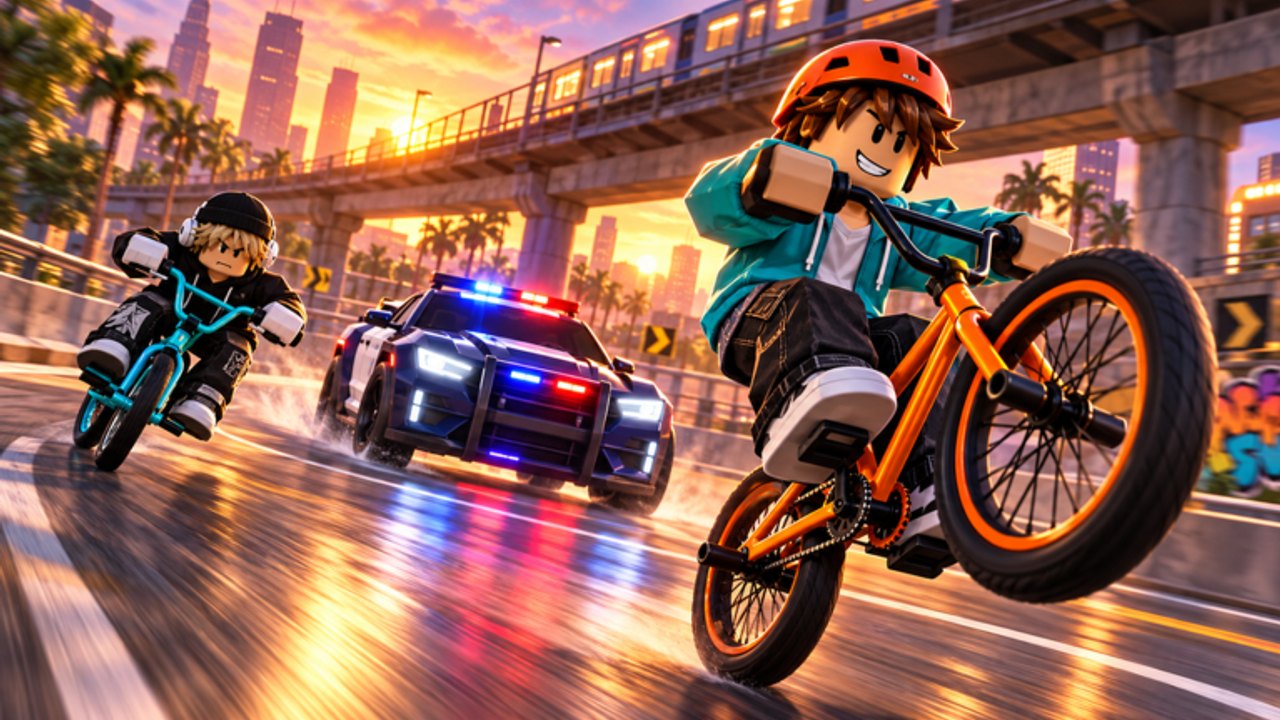
Record on Bike is not only a vehicle sim. Bike Inc built a streamer fantasy into the loop: ride fast, buy better bikes, then hit Record to flex for fans. This page is the performance coaching layer on top of the mechanical guides. You will learn how to play that fantasy on purpose — camera habits, audience (followers), clip-worthy lines, how the group +999 followers gift pairs with Record, and etiquette on 16-player servers.
Deep button technique lives on How to Record. Day-one setup lives on Getting Started. This guide assumes you already know where Record is and want your takes to feel like content.
What “streaming” means inside this experience
In Record on Bike, streaming is primarily an in-world performance mode, not a requirement that you broadcast to Twitch or YouTube. The Record control is how the game asks whether you are the best streamer on your bike. External capture tools are optional extras; the fantasy works even if your only audience is the follower meter and whoever shares your Roblox server.
Keep that distinction clear so you do not confuse:
- Record — experience performance action
- Roblox / OS recording — optional real capture
- Fake “auto live” scripts — automation that tries to simulate streaming presence and carries ban risk (Scripts Hub)
Play the fantasy manually. It looks better and keeps the account safer.
Camera habits that sell the flex
Viewers — real or imagined — need a readable frame.
- Settle before you press Record. Stop whipping the camera during the take.
- Keep the bike large enough to read. Ground-only shots hide speed.
- Leave HUD breathing room on mobile. Touch controls eat the edges; widen your approach.
- Change one camera habit at a time. If you tweak everything, you cannot tell what improved.
- Match camera to bike speed. After an upgrade from Buy Faster Bikes, re-learn framing at the new pace.
Input details stay on Controls. Come back here for the creator mindset.
Audience: followers as your meter
Followers are the audience counter for the fantasy. They do not replace speed, but they make Record feel purposeful.
Day-one move: like the experience and join Bike Inc for $1,500 and +999 followers. That package is still the reliable starter boost while the Codes Hub shows no confirmed promo strings as of mid-November 2026. Spend the cash on speed; spend the followers on confidence — schedule a Record take soon after the gift lands so the meter becomes a story.
More on income and audience fuel: Earn Money and Followers.
Creator and group context beyond the raw numbers sits on Players.
Clip-worthy lines (what to ride when you Record)
Not every stretch of asphalt deserves a take. Build a small menu of clip lines:
- Landmark pass — bike readable, landmark in background, short commit.
- Speed reveal — straight that shows a new bike’s pace after a shop buy.
- Recovery hero — clean line immediately after you almost wiped (only if you actually saved it).
- Social backdrop — light traffic in frame without collision roulette.
Map-level route craft, including flex corridors versus cash circuits, is covered on Map Routes. Use that page to pick geography; use this page to decide which geography becomes content.
Mini shot list for a thirty-minute session
- Warm-up lap, no Record.
- One landmark take on your current bike.
- Shop for a planned upgrade if cash is ready.
- One speed-reveal take on the same landmark.
- One optional social-backdrop take if the server is calm.
- Stop. Review which take felt most “streamer.”
Short menus beat endless mashing.
Pairing Record with the group gift
The +999 followers gift is not only economy — it is production design. Bike Inc hands you an audience so early flexes are not embarrassing voids. Best practice:
- Claim like + join immediately.
- Confirm followers updated.
- Buy the first real speed step you can afford.
- Record once on purpose within the same session.
Skipping step 4 wastes the narrative of the gift. You were given fans; show them the bike.
Etiquette on 16-player servers
You share the stage with up to fifteen other riders.
- Do not camp the best landmark blocking everyone else’s approach.
- Do not Record while parked in a shop doorway.
- If someone else is mid-flex in front of you, wait one pass — collisions kill both clips.
- Hop servers when density turns every straight into a demolition zone; your progress stays on the account.
- Keep chat basic if you use it; the fantasy is the ride, not arguing about scripts.
Good manners protect your own footage as much as theirs.
What not to do (especially with scripts)
Community packs advertise auto live and related toggles that pretend to stream for you. Treat them as high risk:
- They often look robotic on a public server.
- They stack detection surface with other automation (auto ride, auto tricks, no crash).
- They teach you nothing about camera or timing.
- A ban deletes the bikes and followers you were trying to show off.
Educational notes and warnings live on the Scripts Hub and child pages. This streaming guide’s recommendation is blunt: prefer manual Record takes. Fake live scripts are the opposite of the craft this page teaches.
How streaming tips connect to progression
Performance without pace is hollow; pace without performance ignores the pitch.
| Goal | Open |
|---|---|
| Learn the button | How to Record |
| Fund better flex bikes | Earn Money and Followers |
| First-hour checklist | Getting Started |
| Creator / group context | Players |
| Risk education only | Scripts Hub |
| Patch surprises | Updates Hub |
After a Nov 14-style experience refresh, re-test Record once before a serious clip session — HUD moves happen on live Roblox titles.
Practice rubric (score yourself)
Give each take a quick 1–5 on:
- Stability (no panic steer)
- Framing (bike readable)
- Landmark or story (why this spot?)
- Ending (did you stop before disaster?)
- Audience fit (did followers / social backdrop make sense?)
Anything under 15 total gets deleted from your mental highlight reel. Raise the score with routes and bike upgrades, not with injectors.
Bottom line
Streaming in Record on Bike means intentional Record takes, readable camera work, followers treated as audience, and respect for a 16-player stage. Claim the group gift, ride clip-worthy lines, skip fake auto-live shortcuts, and let every shop upgrade earn a flex. That is how the Bike Inc pitch — best streamer on your bike — becomes a habit instead of a loading-screen slogan.
Frequently Asked Questions
Quick answers to the most common questions.
Do I need to stream on Twitch to use these tips?
No. Record on Bike’s streamer fantasy is primarily in-experience via the Record button and followers. External streaming is optional.
How do followers help my Record takes?
Followers act as your audience meter. Claim the Bike Inc +999 gift early, then schedule a clean take so the number becomes part of the story.
Should I use auto-live scripts to look like a streamer?
No. They carry ban risk, often look unnatural, and skip the camera craft this guide teaches. Prefer manual takes.
What should I read with this page?
How to Record for button technique, Earn Money and Followers for audience and cash, Getting Started for onboarding, and Players for creator context.