Record on Bike Controls
Movement, camera, Record, and shop inputs without the guesswork.
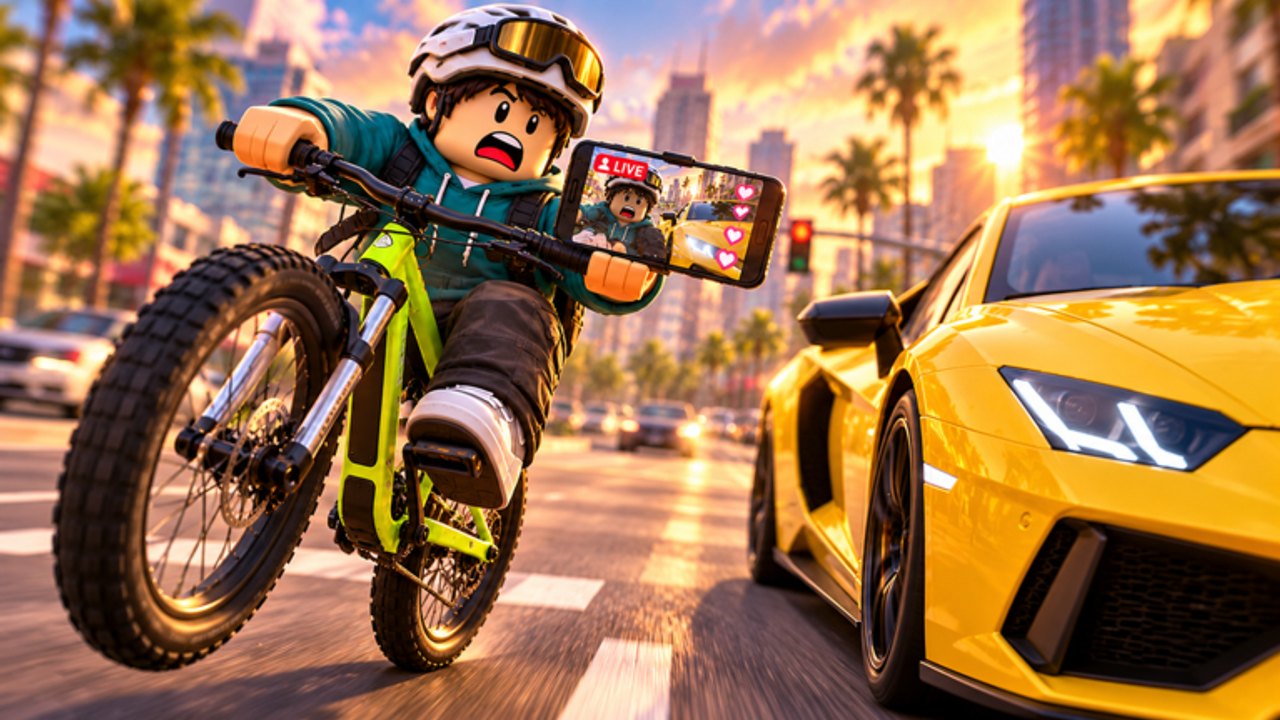
This controls guide for Record on Bike covers how to move, look, open the shop, and trigger Record on PC and mobile. Bike Inc’s experience is a simulation / vehicle sim with a streamer twist, so comfortable inputs matter as much as raw bike tier. Use this page as a reference while you follow Getting Started or practice How to Record.
Roblox experiences sometimes remap labels after patches. If a button moved, re-check the HUD after reading Updates. The verbs stay the same even when icons shift.
Core verbs
| Verb | What it does | Why you care |
|---|---|---|
| Move | Steer and accelerate the bike | Every cash loop starts here |
| Camera | Frame the world and your flex | Record quality depends on it |
| Record | Start the in-world flex action | Identity of the game |
| Shop | Buy faster bikes and related items | Progression faucet |
| Social HUD | Followers / related readouts | Measures the streamer fantasy |
PC controls (keyboard and mouse)
Typical Roblox vehicle patterns apply:
- WASD or arrow keys for movement and steering
- Mouse for camera orbit / look
- Number or clickable HUD buttons for Record, Shop, and menus
- Esc for Roblox system menu (not the same as in-game Shop)
Practical PC tips:
- Click the game window once so keystrokes do not hit the browser chrome.
- Lower mouse sensitivity if high-speed steering feels twitchy.
- Keep fingers ready to close Shop quickly — lingering in menus on a live 16-player server invites collisions when you exit.
- Use fullscreen if HUD buttons sit under OS docks or browser bars.
When practicing Record, stabilize with keyboard first, adjust camera second, then click Record. Mixing all three in one frantic motion causes most failed takes.
Mobile controls (touch)
On phones and tablets:
- On-screen joystick / thumb pad handles movement
- Drag gestures usually control camera
- Tap HUD icons for Record, Shop, and settings-like panels
- Rotate to landscape if portrait mode clips buttons
Mobile-specific advice:
- Play landscape for bike games whenever possible.
- Clean the screen — oily glass plus high speed equals missed Record taps.
- Watch for the iOS/Android gesture bar eating the bottom HUD.
- Paste future codes carefully if a redeem box appears; autocorrect is the enemy (How to Redeem).
- If your thumbs cover the Record icon, remap your grip or shrink other UI if the game allows.
Finding Record, Shop, and reward UI
New players often confuse Roblox’s external buttons with Bike Inc’s in-experience HUD.
- Record — inside the place, part of the fantasy loop. Details: How to Record.
- Shop — where better bikes live. Spending strategy: Buy Faster Bikes.
- Like / Group rewards — start on the Roblox site/app pages for the experience and Bike Inc group, then return in-game to receive $1,500 and +999 followers (Codes Hub).
- Codes panel — not confirmed live as of November 2026; when it appears, expect a Codes / Redeem style button.
If you cannot find a control:
- Rejoin to refresh UI.
- Toggle landscape/portrait on mobile.
- Look for collapsed arrow tabs on the screen edges.
- Confirm you are in Record on Bike and not a similarly named bike title (Links).
Camera discipline at speed
Faster bikes from the Tier List punish sloppy cameras.
- Make small look adjustments; avoid 180 flicks mid-corner.
- Recenter before Record so the bike faces your landmark.
- On PC, lift off aggressive mouse swipe before tapping Record.
- On mobile, finish the drag, pause a beat, then tap.
Good camera work makes average bikes look intentional. Bad camera work makes S-tier bikes look chaotic.
Accessibility and comfort
- Take breaks — high-speed steering on mobile tires hands quickly.
- Lower graphics if frame drops cause input delay.
- Headphones help separate UI confirmation sounds from world audio when learning new buttons.
- Avoid running executor overlays that steal clicks; see Scripts warnings.
Training routine for controls mastery
- Five minutes of figure-eights on the starter or B-tier bike.
- Five minutes of camera-only practice while rolling straight.
- Five Record taps with full stabilize → record → recover cycle.
- One shop open/close drill so menus do not panic you mid-route.
- Repeat after each major upgrade from the Bike Planner plan.
Related pages
Learn the verbs once, then let speed upgrades change how forgiving the map feels — not which button does what.
Frequently Asked Questions
Quick answers to the most common questions.
Does Record on Bike support both PC and mobile?
Yes. It is a Roblox experience playable on supported devices. Layouts differ, but movement, camera, Record, and shop verbs are shared.
Why can I not find the Record button?
Check the in-experience HUD edges, try landscape on mobile, and rejoin. Do not confuse it with Roblox’s external record features.
Do controls change when I buy a faster bike?
Inputs stay similar; handling gets snappier. Revisit camera discipline after upgrades.
Are gamepad controls covered?
Roblox may map controllers depending on device. Use on-screen prompts in-session and fall back to this verb list if labels differ.